Shut down the computer and unplug it—safety first, no surprises.
Gently slide the tower away from the wall to reveal the backside.
Dust and Wipe Down
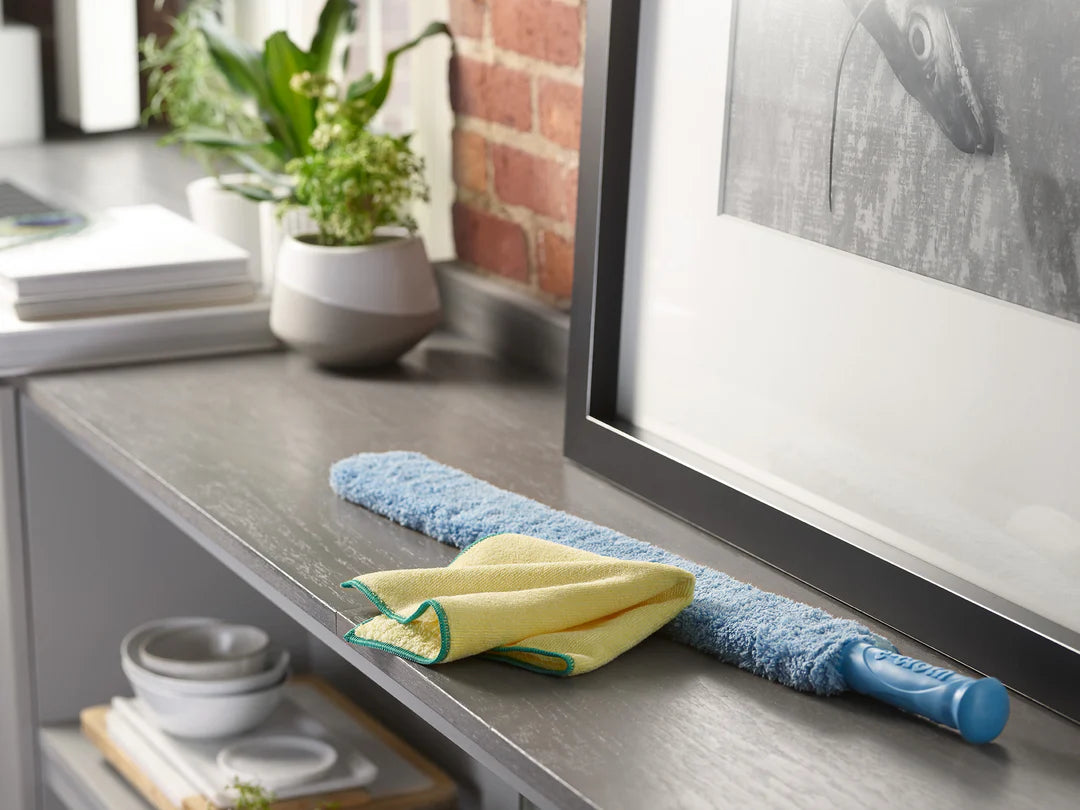
Carefully remove loose dust from vents and surfaces using a soft cloth or duster.
Wipe down the back panel and surrounding areas to clear off any stubborn buildup.
Put It Back in Place
Slide the computer back, ensuring it sits correctly with enough clearance for airflow.
Reconnect your cables securely and enjoy your dust-free setup.
Safety Precautions for Cleaning Behind the Computer Tower
Always unplug the computer before moving or cleaning to prevent electric shock or hardware damage.
Avoid using wet cloths or sprays directly on or near cables, ports, and vents—moisture can cause short circuits.
Be gentle when moving the tower to avoid straining or damaging cables and connectors.
Check for cable tension before sliding the tower back to prevent pinching or pulling out connections.
Keep the area dry and free of clutter to reduce tripping hazards and accidental spills.
Wash your hands after cleaning to remove dust and debris.
How to Maintain Cleanliness Behind the Computer Tower: Extra Tips
Keep the Area Dust-Free
Use a soft brush or compressed air to regularly remove dust build-up from behind and around the computer tower.
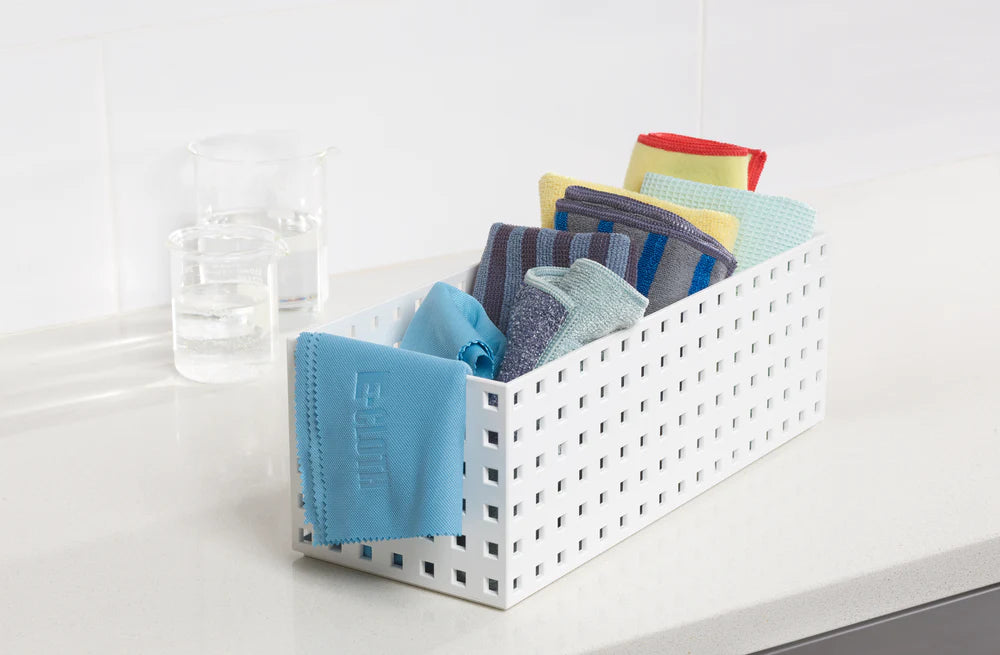
Avoid using water directly; opt for a microfiber cloth to prevent damage to electronics.
Title
Organize Cable Management
Use cable clips, ties, or Velcro straps to keep cords neatly bundled and out of sight.
A well-organized cable area reduces dust traps and makes cleaning easier.
Title
Wipe Down Surfaces Regularly
Clean the exterior of the computer tower with a slightly damp microfiber cloth to remove fingerprints and dust.
Schedule a weekly wipe-down to maintain a consistently clean look.
Title
Ensure Proper Ventilation
Keep the space behind the computer free of clutter to allow for proper air circulation.
Regularly inspect and clean fan vents to prevent overheating and dust accumulation.
Common Mistakes When Cleaning Behind the Computer Tower
Don't Forget to Power Down and Unplug
Ensure your computer tower is completely powered off and unplugged before starting any cleaning. This minimizes the risk of electric shock or damage from static discharges.
Cleaning while the system is live can inadvertently dislodge components or cause a short circuit, especially if moisture is involved.
Overusing Liquids Near Electronics
Excess moisture can seep into delicate components, leading to corrosion or even electrical shorts. Use only a slightly damp microfiber cloth.
Avoid spraying liquid directly onto the tower. Instead, apply it to the cloth first to better control the amount of moisture used.
Using Improper Tools or Techniques
Using harsh brushes or standard household vacuum cleaners without proper attachments can create static electricity or push dust deeper into the components.
Opt for specialized electronic cleaning tools such as anti-static brushes and vacuums with proper filters, which are designed to safely remove dust from sensitive areas.
Title
How Often to Clean Behind the Computer Tower
Frequency Recommendation
Clean behind the computer tower every three months under normal conditions.
If your workspace is in a dusty area or you have pets, aim for once every one to two months.
If the area is well-ventilated and relatively dust-free, every three to six months should be sufficient.
Why This Frequency?
Dust buildup can block airflow, causing your computer tower to overheat and run less efficiently.
Regular cleaning prevents the accumulation of debris that could potentially damage internal components over time.
Maintaining a consistent schedule keeps your workspace and equipment in top condition, reducing the risk of unexpected malfunctions.
Our high-performance microfiber products simplify cleaning, making it quick, easy, and effective, so you can enjoy visible results without the fuss. No streaks, just results.